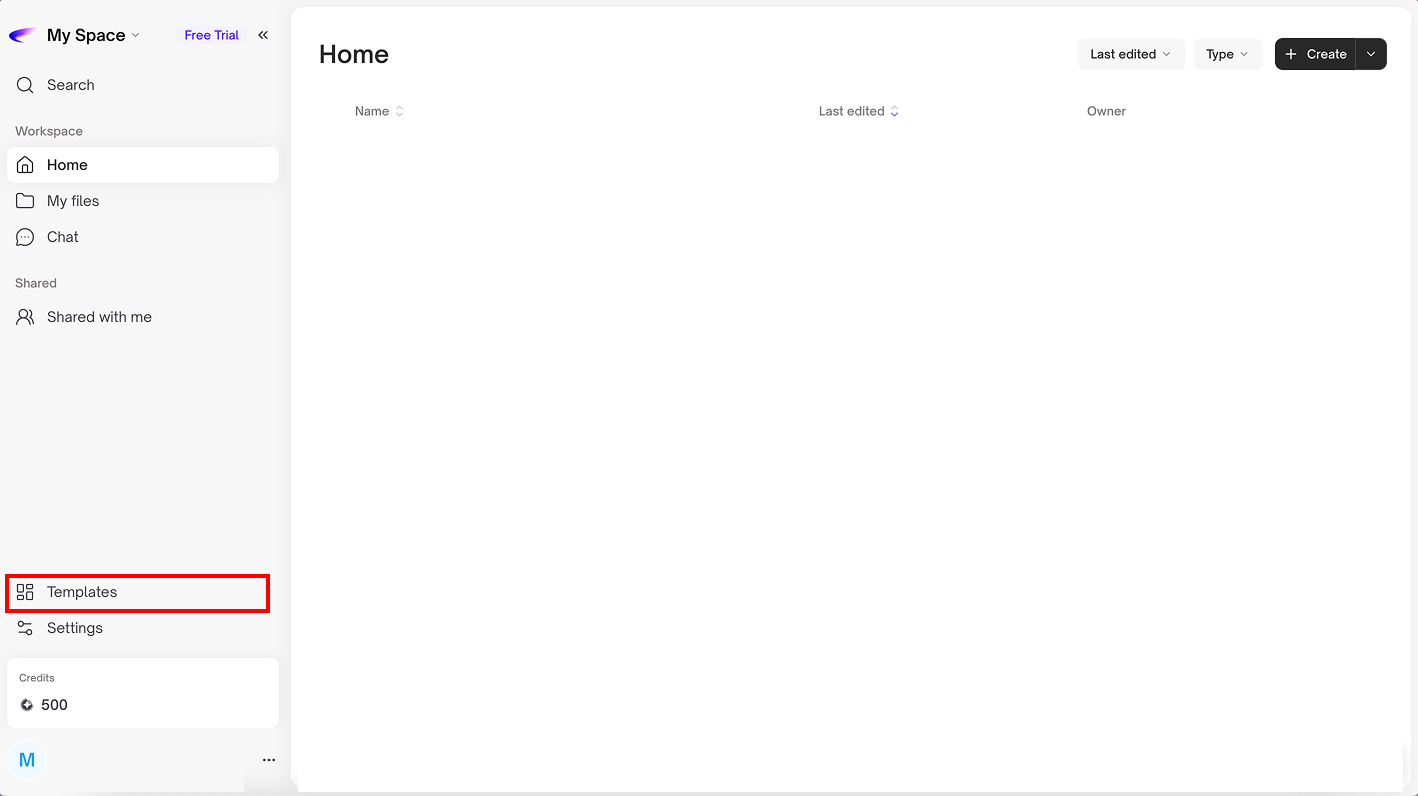
# Templates
A template serves as a pre-designed structure that helps you start building boards or working more efficiently, without having to begin from a blank board
### **Template Categories:**
* **All templates:** Displays all templates you have access to
* **Purchased templates:** Shows templates that you or your organization have activated
* **Owned by me:** Templates that you have created or saved yourself
* **Shared with organization:** Templates created and shared with everyone in the organization, enabling teams to work in a consistent and standardized way
* **Shared with department:** Templates created and shared with members of the same department
* **Shared with me:** Templates that others have specifically shared with you.
* **From Aerogram:** Standard templates designed by Aerogram, covering common use cases and ready for immediate use
.png?alt=media&token=7675d712-0d17-4f5f-a160-f9bd654b2b90)